Home > Factory Productivity and Scheduling > Advanced Topics > Phone App > Android App > Using the Android App > To Hold Or Finish a Task
To Hold Or Finish a Task
When you have an Active Task you should see the screen below.
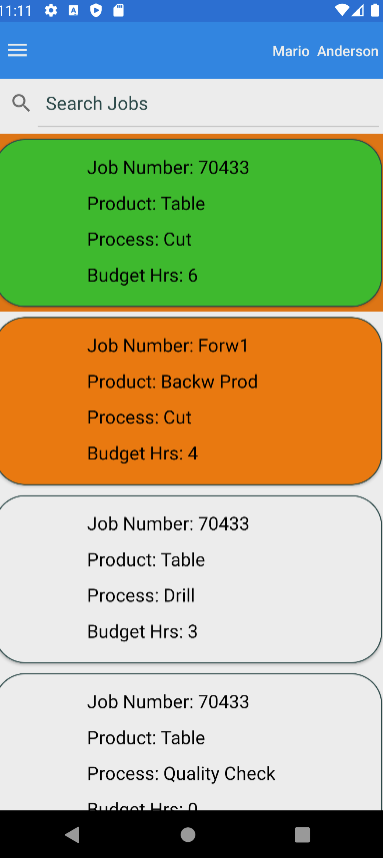
Tapping the Active Task (the green one in the above example) will display the following.
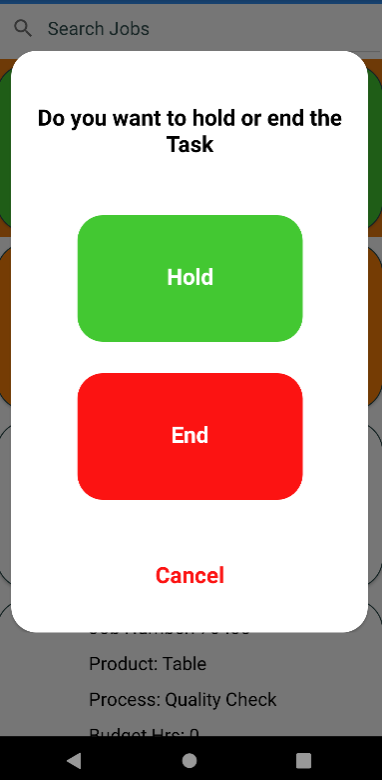
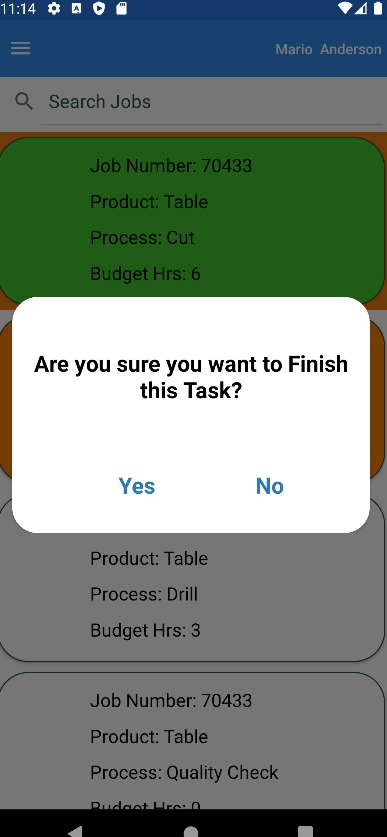
If you Tap on the End button you will get a confirmation message (see below).
See also
|