Home > Factory Productivity and Scheduling > Advanced Topics > Phone App > Android App > Using the Android App > To Go To and From Smoko
To Go To and From Smoko
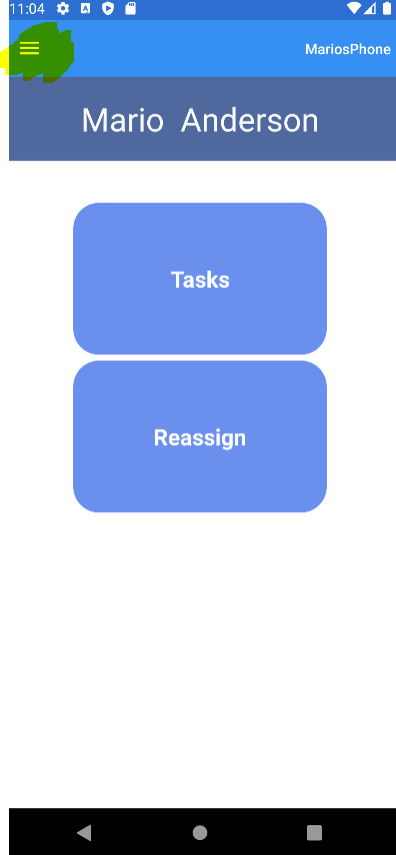
From the Clock In and Out Screen you can go to and from Smoko by tapping the three horizontal bars on the top left hand side of the screen (see highlighted below).
Tapping these displays a menu as follows:
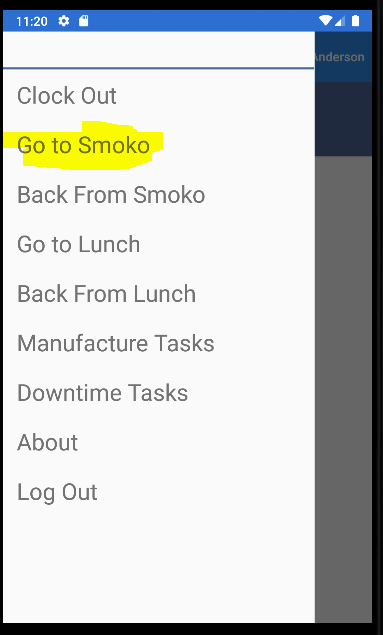
If you tap on Go To Smoko the following screen is displayed.
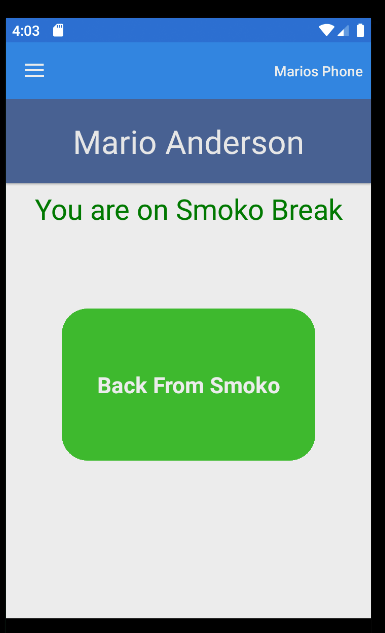
Tap the green Back From Smoko button when you are back from Smoko.
See also
|