Home > Factory Productivity and Scheduling > Advanced Topics > Advanced Job Topics > Dispatching Jobs > Dispatching Jobs
Dispatching Jobs
To dispatch a Job, from the Main Management Menu go to Job > Dispatch.
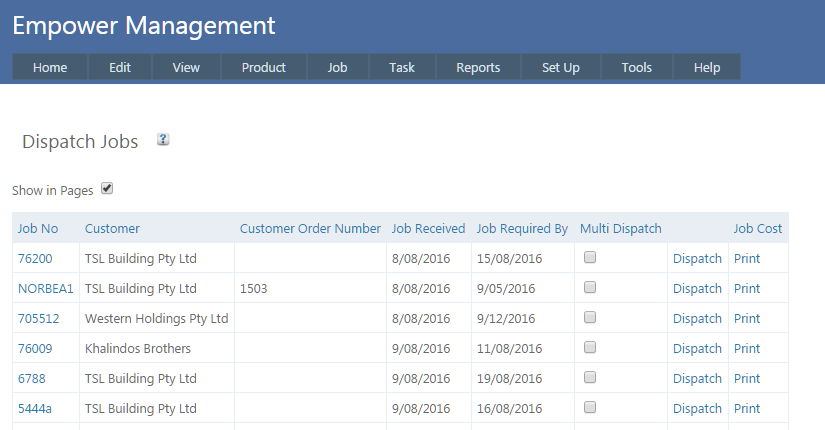
Clicking on Dispatch, will
- Finish all Tasks in the Job
- Populate the Dispatched On field with today’s date. This is visible in Editing Jobs page.
To Dispatch more than one Job at the same time click on the Multi Dispatch check box for each Job you want to Dispatch. Then click on the Multi Dispatch button.
It is possible to Multi Dispatch up to 15 Jobs at the same time.
To report Dispatched Orders from the Main Menu go to Reports > Jobs > Customer Jobs > Dispatched.
It is also possible to
See also
|