Home > Factory Productivity and Scheduling > Advanced Topics > Advanced Job Topics > Dispatching Jobs > Undispatching Jobs
Undispatching Jobs
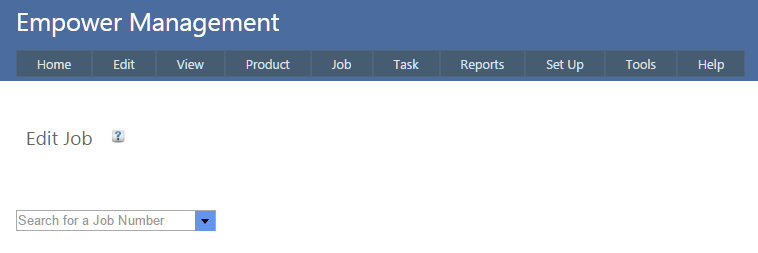
To undispatch a Job, from the Main Management Menu go to Job > Edit and select the Job number to be undispatched
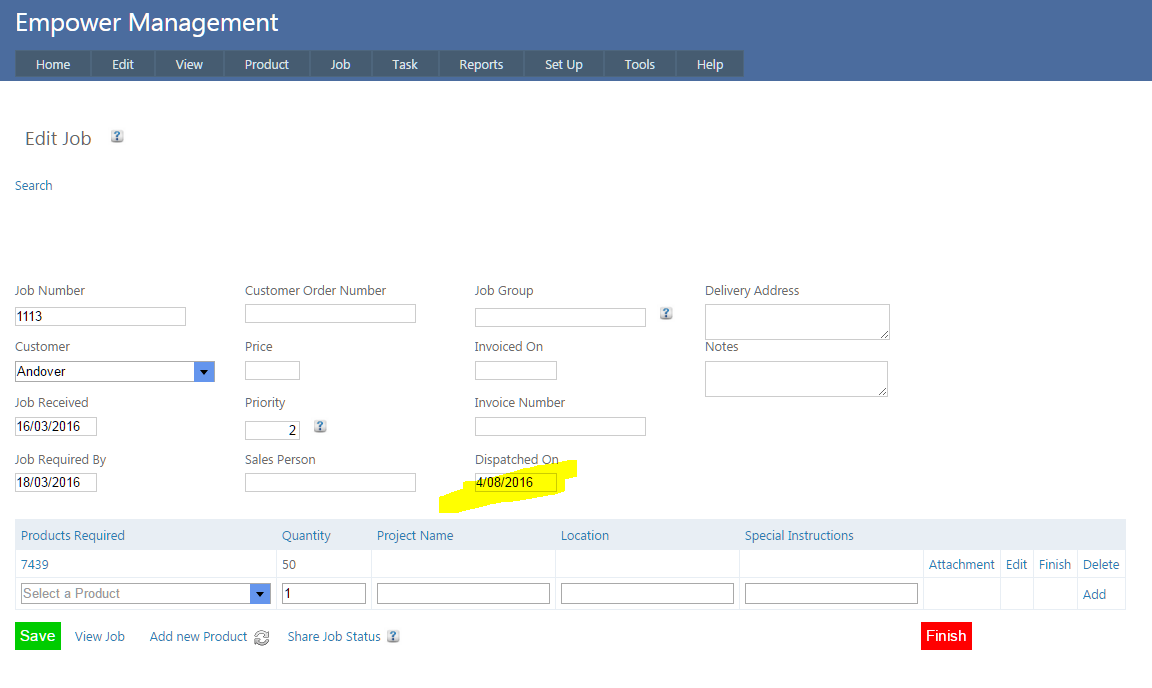
then select the Dispatched on field (highlighted below) and delete the Dispatched on Date, and click on the Save button.
See also
|