Home > Materials > Purchase Orders > View Purchase Orders For a Supplier
View Purchase Orders For a Supplier
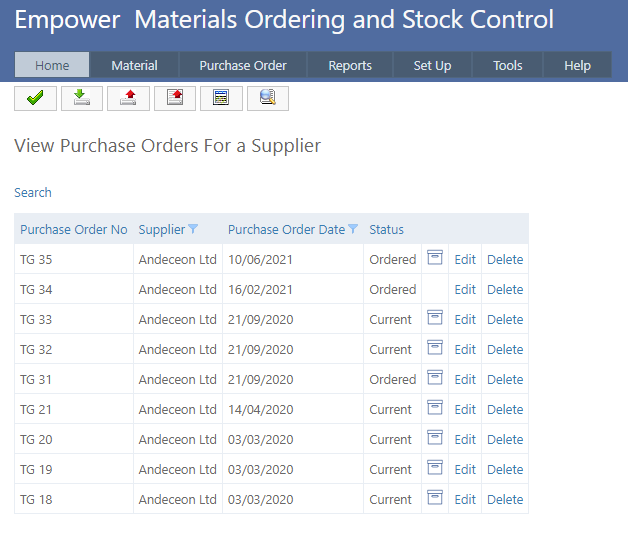
It is possible to view all Purchase Orders raised against a particular Supplier.
To do this, from the the Main Menu go to Purchase Order > View > View for Selected Supplier.
You should see a page similar to
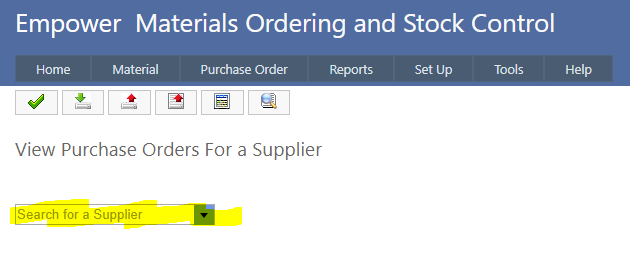
Select a Supplier from the drop down Supplier box (highlighted above).
You should see a page similar to
See also
|