Home > Materials > Purchase Orders > Edit Purchase Order
Edit Purchase Order
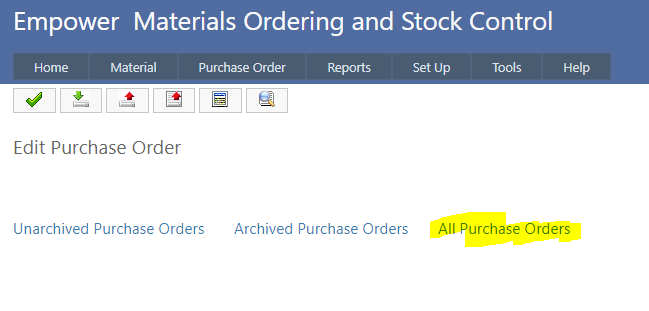
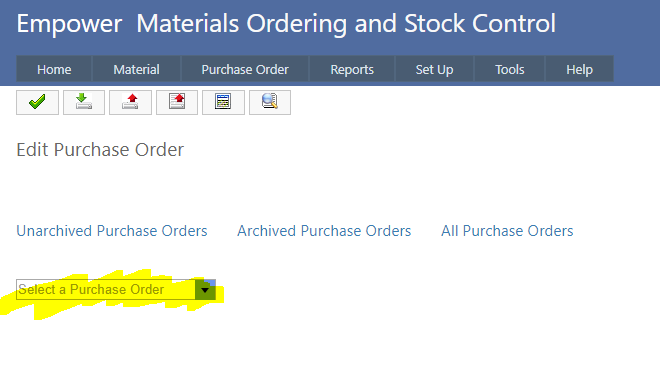
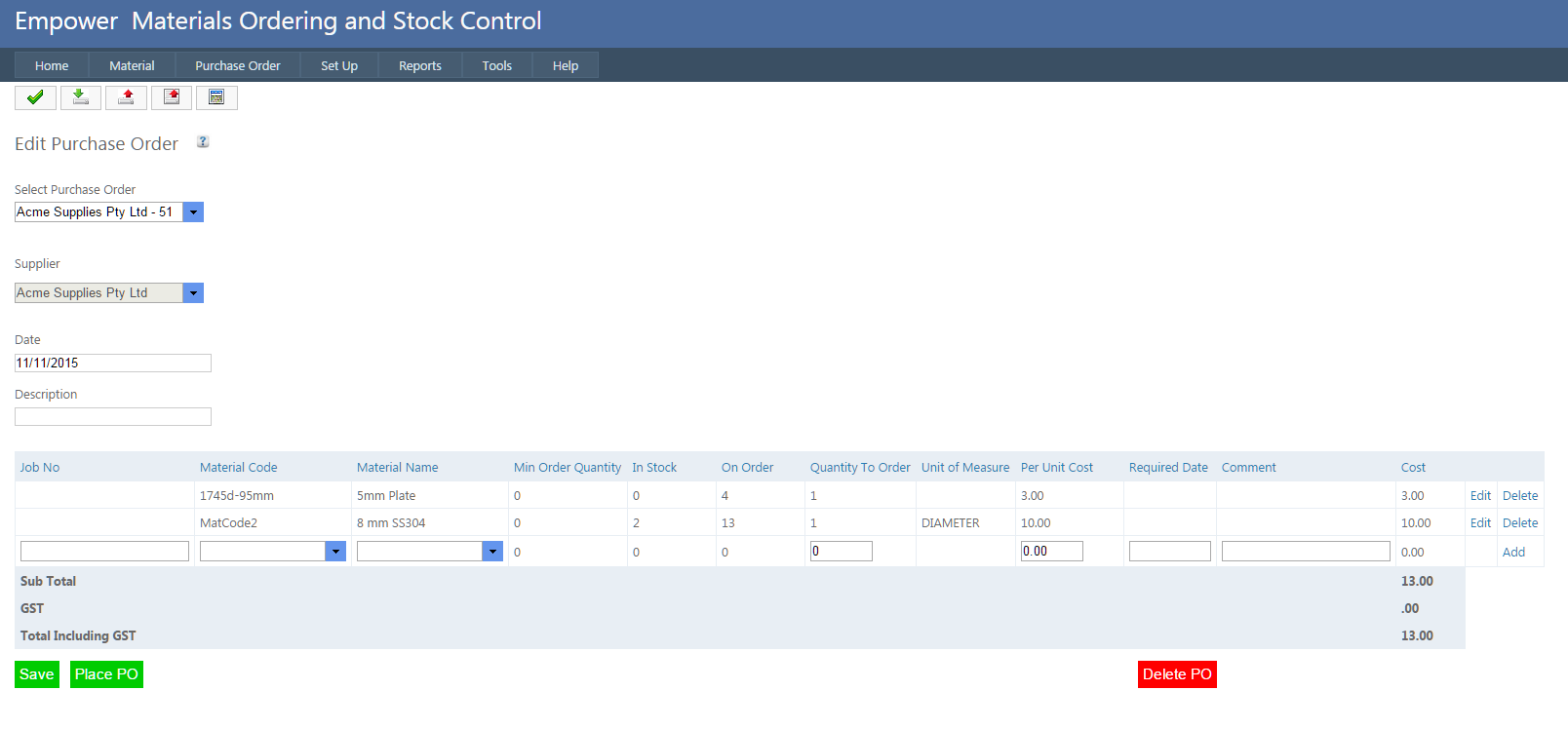
To Edit an existing Purchase Order, from the main menu select Purchase Order > Edit Click on All Purchase Orders (highlighted above) And select the Purchase Order to be edited from the drop down list (highlighted above) You should see a page similar to From this page all items in the Purchase Order can be edited.
See also