Home > Quoting > Getting Started > Set Up > Set Up Customers
Set Up Customers
To set up a Customer, from the main menu go to Set Up > Customer and click on Add New.
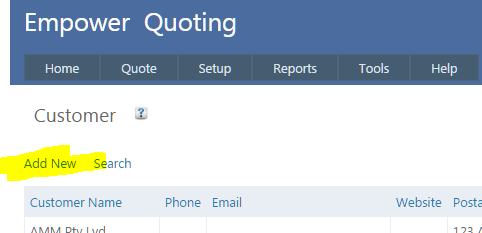
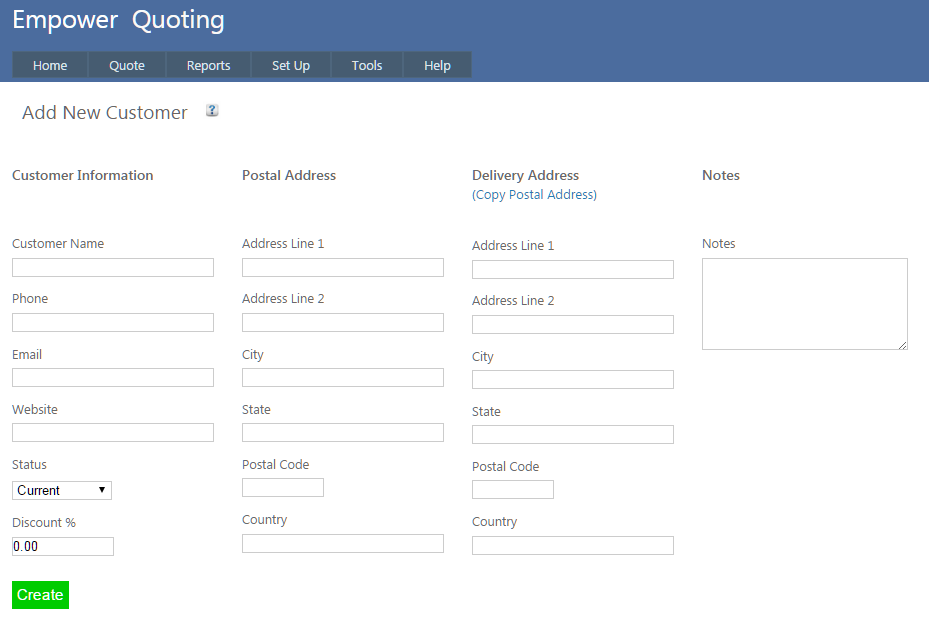
You should see a page similar to
Once Customers have been entered, a report of Customers can be printed. To do this, from the main menu go to Reports > Customer > Current Customers.
See also
|