| Home > Factory Productivity and Scheduling > Advanced Topics > Advanced Scheduling Topics > Company Vacations > Adding Several Company Vacation Days
Adding Several Company Vacation Days
To add a number of Company Vacation days at the same time, from the Main Management Menu select Set Up > Advanced Set Up > Scheduling > Company Vacations.
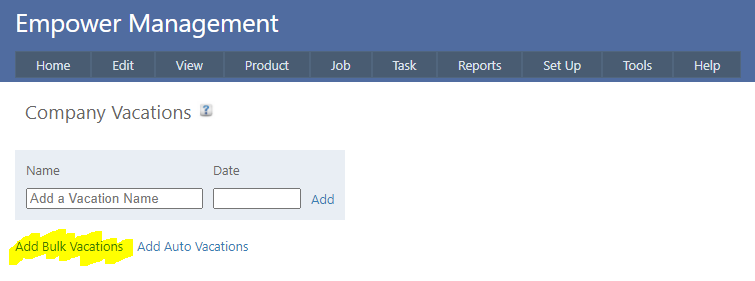
Then click on Add Bulk Vacations (see highlighted below).
You should see something similar to
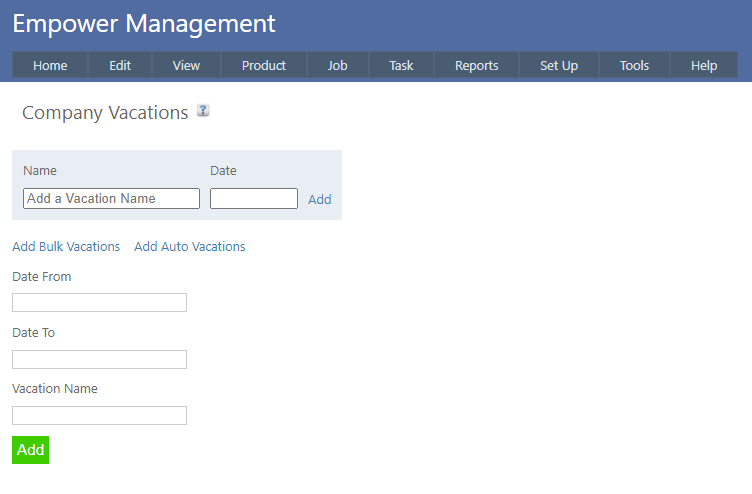
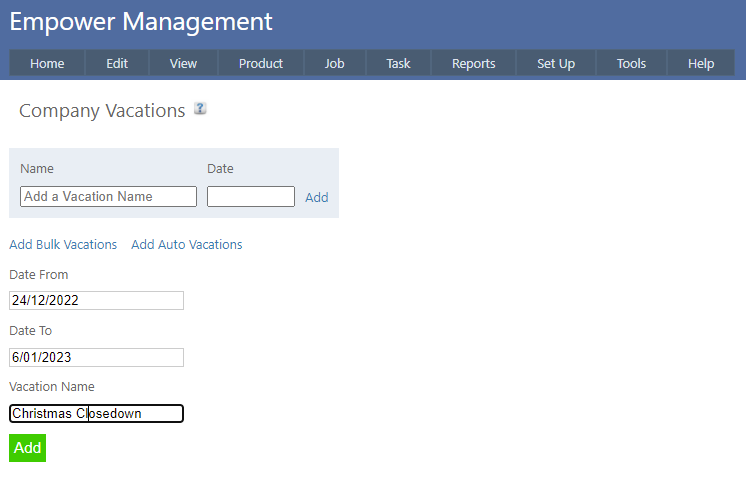
Select From and To Dates and a Vacation Name (see below as an example) and click on Add.
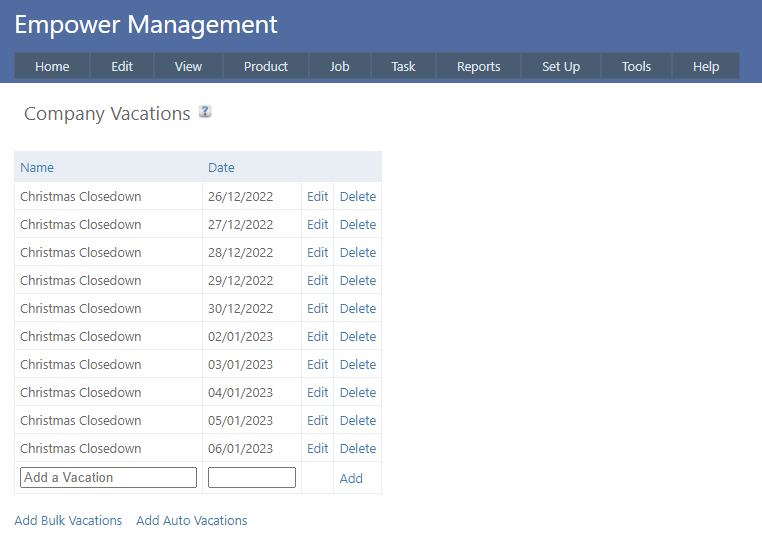
You should see multiple dates added - see below as an example.
See also
Vacations and Weekends
See also
|