| Home > Factory Productivity and Scheduling > Advanced Topics > Advanced Scheduling Topics > Company Vacations > Adding a Single Company Vacation
Adding a Single Company Vacation
To set up a Company Vacation for a single day or small number of days, from the Main Management Menu select Set Up > Advanced Set Up > Scheduling > Company Vacations.
You should see a page similar to
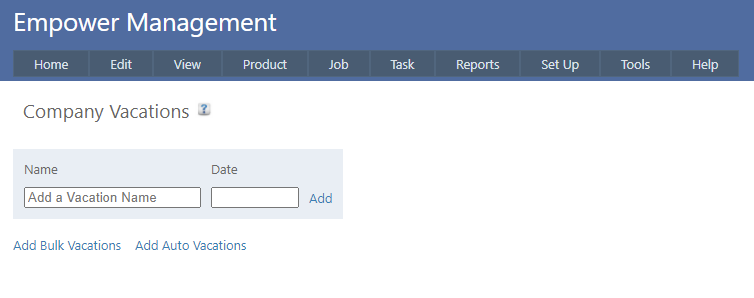
Add a Vacation Name and a date - e.g. see below
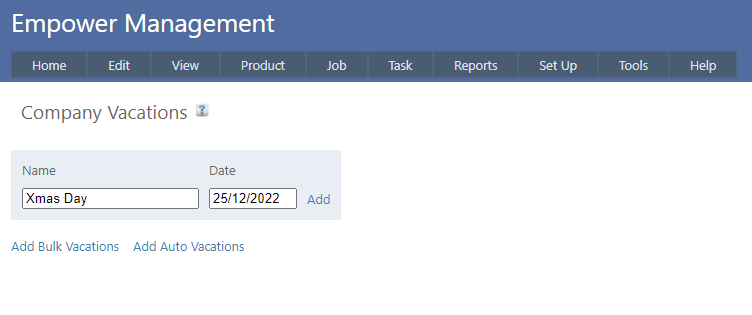
and click on Add.
In the above example, no Tasks will be scheduled for 25/12/22.
See also
Vacations and Weekends
See also
|