Home > Factory Productivity and Scheduling > Advanced Topics > Sub Factories > Adding or Editing a Sub Factory
Adding or Editing a Sub Factory
To add or edit a Sub Factories, from the main Management menu select Set Up > Advanced Set Up > Sub Factory.
You should see a page similar to
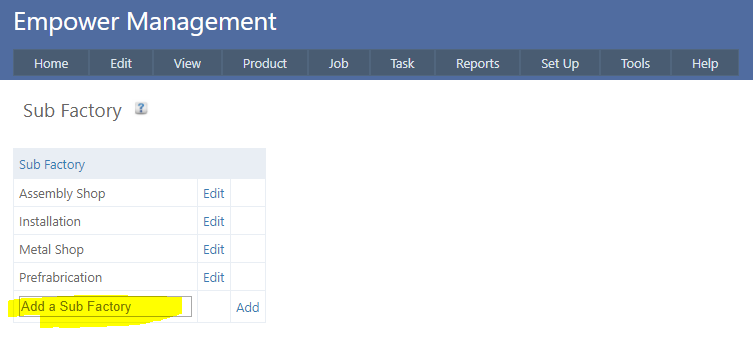
To add a new Sub Factory, enter the name of the Sub Factory in the Add a Sub Factory box (highlighted above) and click on Add.
See also
|