Home > Factory Productivity and Scheduling > Advanced Topics > Settings > Themes
Themes
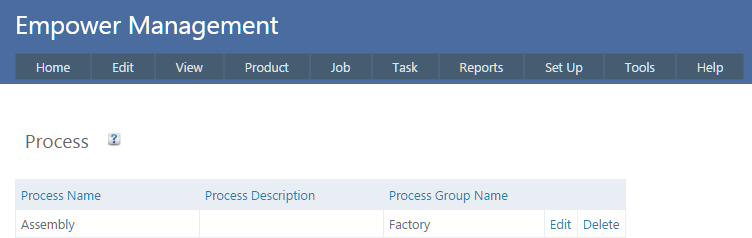
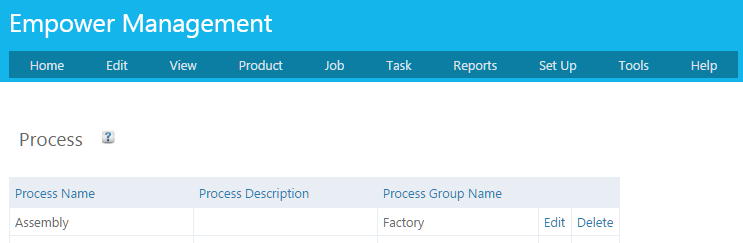
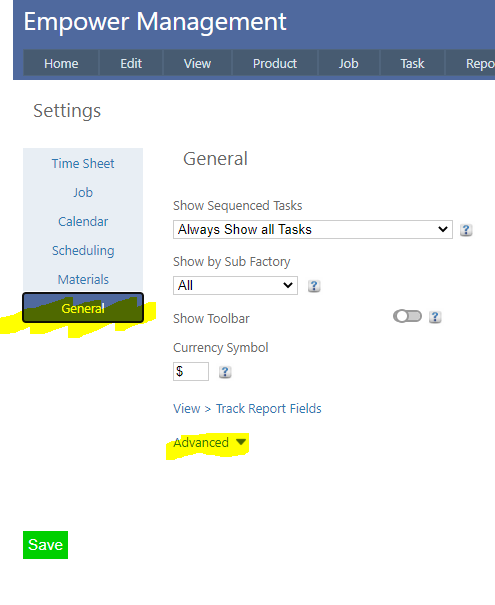
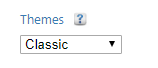
By default Empower Management and Account versions have a dark blue color format (see below as an example) It is possible to alter this dark blue format to one of several other color formats (Themes) - (see below as an example) To change this, from the Main Menu select Tools > Settings - then select the General Tab (highlighted below). Clicking on Advanced (see highlighted above) displays a number of additional settings. Clicking on Themes displays a drop down list of themes Select a these from the list and click Save. The default (dark blue format) is Classic.