Home > Factory Productivity and Scheduling > Advanced Topics > Advanced Scheduling Topics > Task Highlighting > Task Highlighting Examples
Task Highlighting Examples
The following are some examples of Task Highlighting.
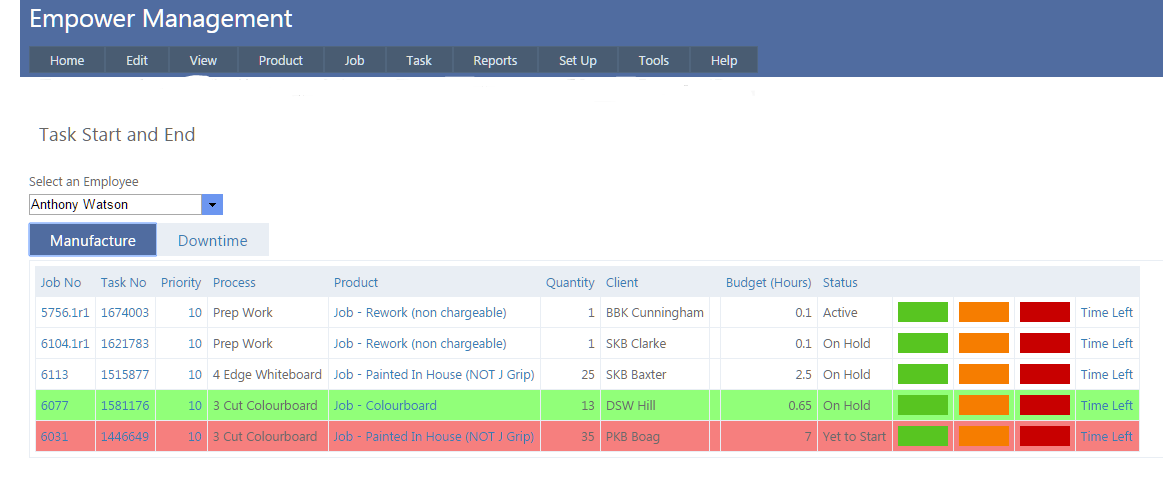
1. Task Highlighting when seen from the Task > Start And End page in the Management version.
Yellow highlighted Tasks (note that all the colors are the default settings which can all be changed to your preference) are those needed to be completed today.
Pink Tasks are those Tasks that are overdue for completion and the green tasks are those due for completion in the next few days.
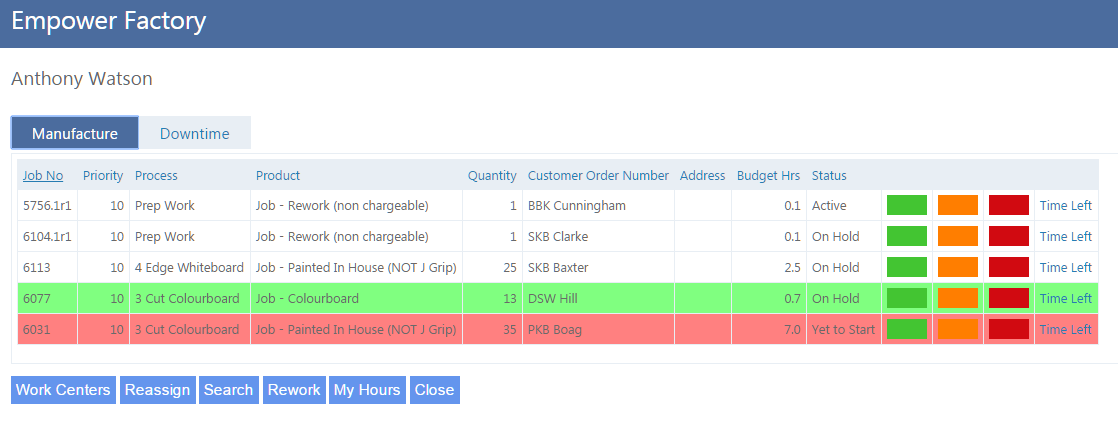
2. The same data seen from the Employees Log In / Out page in the Factory version.
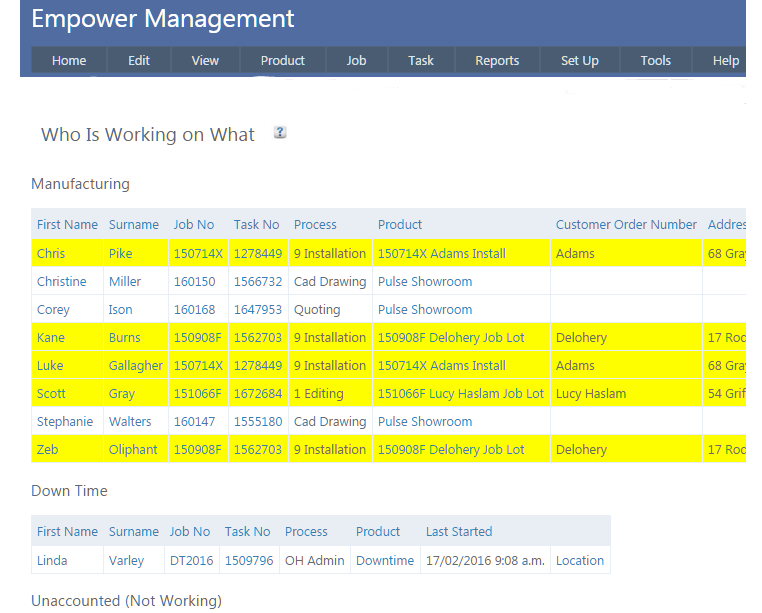
3. The Manufacturing part of the Who is Working On What page
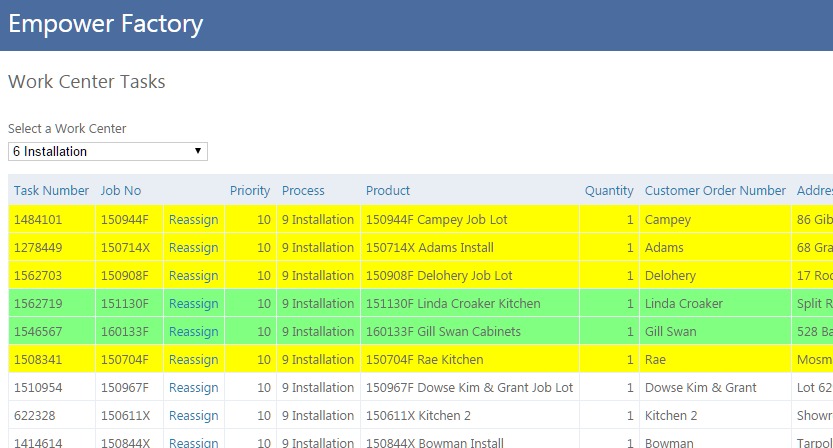
4. The Work Center pages - below is the factory version but the management is similar
See also
|