Home > Quoting > Advanced Topics > Advanced Product Topics > Set Up Product Groups
Set Up Product Groups
Product Groups are groupings of Products.
It may help in understanding to think of them as types of Products. For example you may decide to have a Product Group called Tables. And you may have a various Products in that Product Group, e.g. board table, kitchen table, etc.
Grouping Products into Product Groups allows you to report on specific Product Groups.
To set up a new Product Group, from the Main Menu go to Set Up > Product Groups
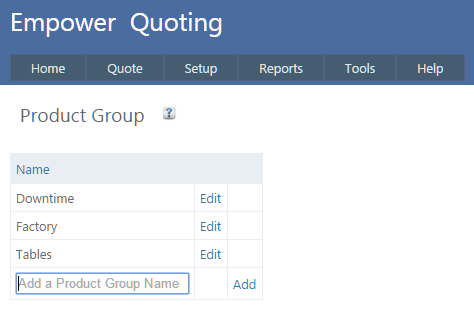
To add a Product to a Product Group, from the main menu go to Setup > Product > Edit.
You should see a page similar to
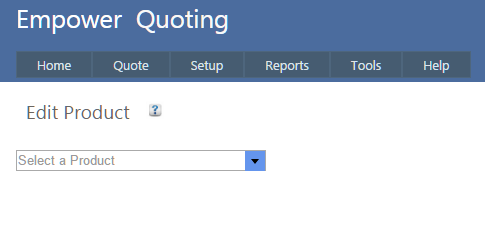
From the drop down list select the Product you wish to edit.
You should see a page similar to
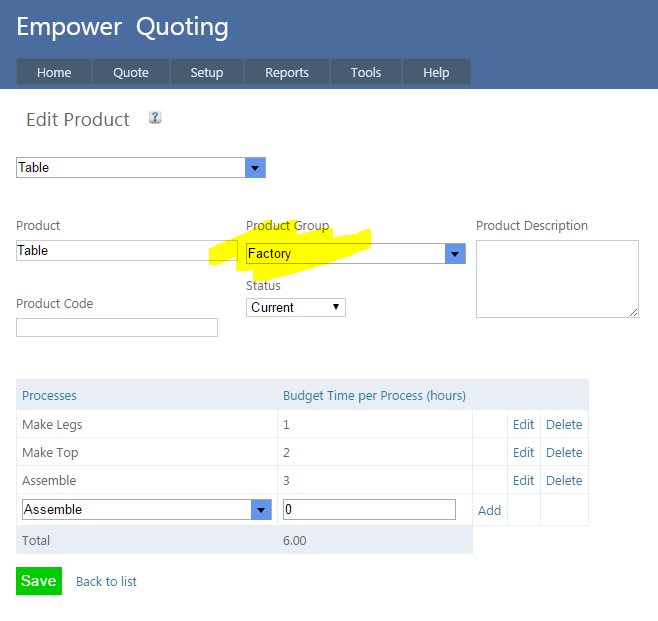
Change the Product Group to the Product Group you require (as highlighted above).
See also
|