Home > Factory Productivity and Scheduling > Advanced Topics > Advanced Employee Topics > Employee Categories
Employee Categories
Employees can be grouped into Categories (or types) of Employees, eg Full time, Part time, Early Shift, Late Shift etc.
You can have an unlimited number of Categories and they can be named anything at all.
To set up Employee Categories:
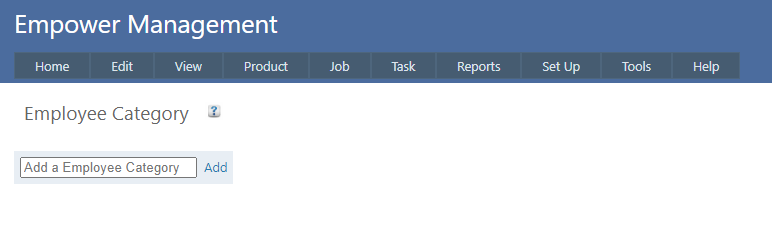
1. From the Management Main Menu go to Set Up > Advanced Set Up > Employee Category.
You should see a page similar to
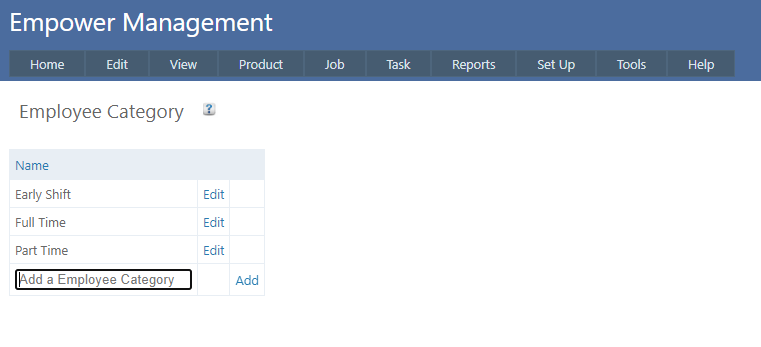
2. Add in the Employee Categories you wish to have.
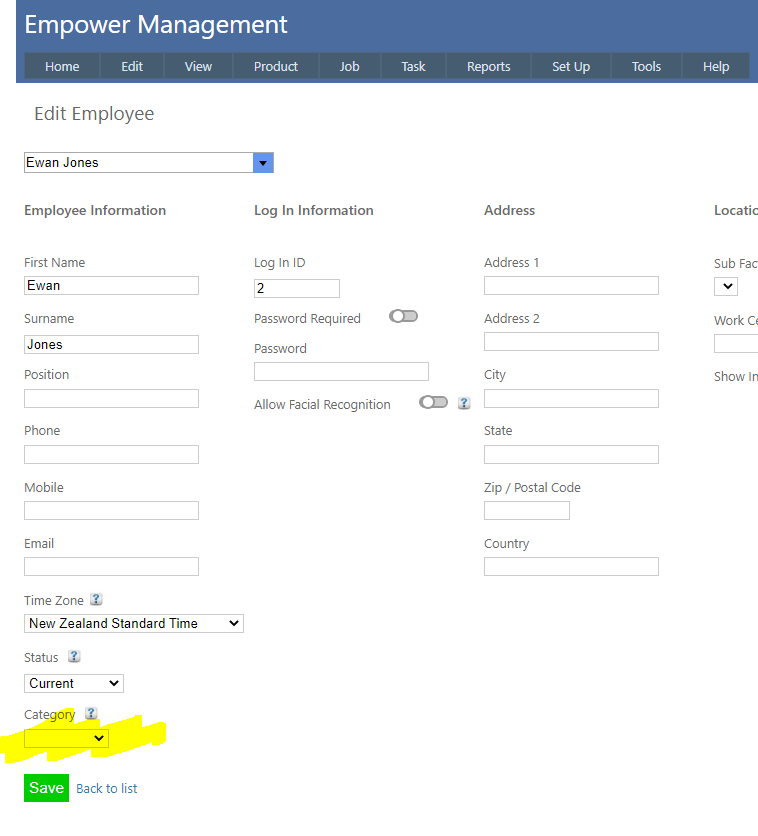
3. Finally - in the Edit Employee page add a Category from the drop down list (see highlighted below).
See also
|